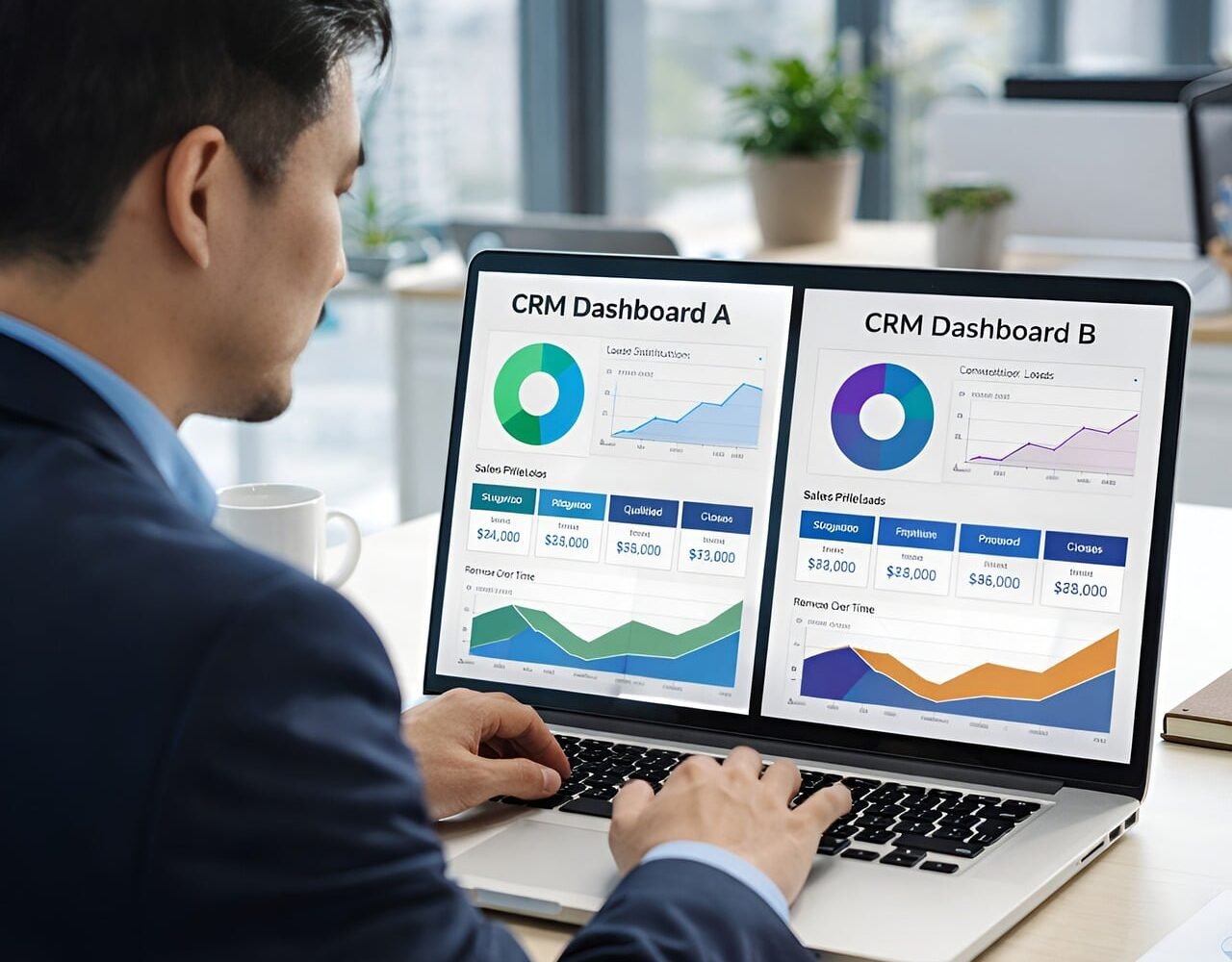
A free CRM India owners can use comes in three kinds: a vendor free plan, a simple sheet or contacts app, and open source software you host yourself. Free still costs time, setup and limits, so choose by habit and need, not by feature list. This guide gives a six-question test, a one-week setup plan and an honest note on where RahbarCRM fits.
Do you need a free CRM in India yet?
Not always. A CRM is simply one place where each lead, the last message you sent and the next follow-up live together.
If your leads are scattered across WhatsApp chats, your phone contacts and a notebook, you are in good company. Most small business owners start like that, and it works for a while. If you have only a handful of leads, a sheet does the job well enough. A free CRM India owners can set up in a week is worth a look when these signs appear:
- Leads are spread over several chats and you cannot say who is waiting for a reply.
- Follow-ups are being missed, because nothing reminds you.
- More than one person replies to customers, and nobody knows what the other said.
- You spend more time searching for a conversation than having it.
If none of these sound like you yet, keep your sheet and spend your energy on getting found. If two or more do, it is time to move. If your main pain is WhatsApp, our routine on how to follow up with leads on WhatsApp is a good companion to this guide.
What a free CRM really means in India
Free usually means one of three things, and each costs you something other than rupees: limits, time or technical help.
The three kinds are:
- A vendor free plan.A CRM company gives you a starter plan and hopes you upgrade later.
- A sheet or contacts app.Not a real CRM, but a very good first one.
- Open source software you host yourself.The software may cost nothing, but somebody has to install, host, update and back it up.
Free plans often limit features or the number of users. Limits change often, so read the vendor’s own pricing page before you commit. We are deliberately not quoting any limits or prices here, because we have not verified them on each vendor page today.
A free CRM for a small business in India also costs your time. You will spend hours on setup, on moving old leads in and on building the habit of updating it. For open source, add hosting and someone technical. That time is a real cost, even when the bill says zero.
One practical line on money: costs for Indian buyers are usually quoted in rupees (INR), and GST may be added on top, so always check whether a price includes it.
Vendor free plans: what to check
Vendor free plans are the easiest way to start, but they are written to lead you towards a paid plan.
Zoho CRM, HubSpot CRM and EngageBay are examples that recur in search results for this topic. We name them only as examples, not as recommendations, and we have not tested them against each other. Most pages that rank for this search are roundups written by CRM sellers, and the seller usually ranks itself first. That is not wrong, but it is a bias. Read those lists as a starting point, then check the current terms on each vendor’s own page.
What to look for on any vendor page:
- How many users the free plan allows.
- Whether you can export your data in a normal file.
- Whether follow-up reminders are included.
- What the first paid step costs, and whether that price includes GST.
A simple habit helps: open the pricing pages of two or three options, and write the answers into a small table in your sheet. Ten minutes of reading now is cheaper than moving all your leads to another tool in three months. If a page is vague about limits, treat that as an answer too, and ask the vendor before you import anything. Before you move everything, try the plan with a handful of real leads for a few days, so you can see how notes and reminders feel in daily use.
A sheet or contacts app as a starter CRM

A sheet is a perfectly honest starter CRM. It is fine for a few dozen live leads, and you can set it up in ten minutes.
| Column | What goes in it |
|---|---|
| Name | The person or business |
| Source | Where they found you: Google, referral, WhatsApp, ad |
| Last contact | Date of your last message or call |
| Next step | The one thing you will do next |
| Status | New, talking, quote sent, won, lost |
Sort by next step every morning and work down the list. That single habit is what a CRM really gives you. Write the next step as an action with a date, such as “send quote on Friday”, keep one row per lead, and move won and lost leads to a second tab each week.
The limit of a sheet is people. Once two or three people edit it, or you cannot see reminders, you will feel the pain, and that is your signal to move.
Open source and low-cost CRM: where RahbarCRM fits
Open source can be a low-cost route to a proper CRM, but only if you can get technical help for setup and hosting.
Our disclosure: CodeTron developed the website for RahbarCRM and did its marketing and client outreach with lead generation. That work got good traffic. So we are not neutral here, and you should weigh what follows with that in mind. We do not claim RahbarCRM is the best CRM or better than any other, because we have not run a tested comparison.
With that said, when we are asked which low-cost CRM an owner working alone could look at, our answer is RahbarCRM: it is open source and its implementation is low cost.
Here is what its own website says, as of 12 November 2026, and these are the vendor’s claims: the self-hosted Community Edition is listed at zero per month, with leads, contacts, workflows and AI email features. Setup, hosting and WhatsApp integration are listed as paid enterprise services with custom pricing. So the software may be free, but running it is not free. We do not state any other price.
If you go this way, ask whoever hosts it how backups and updates will be handled, and keep your own copy of your contacts as a file. It also helps to start with a small set of real leads, so you can see how it feels before you import everything.
RahbarCRM is not the right fit when:
- You have no one technical to help with hosting and setup, and no budget for paid setup.
- You have only a few leads and a sheet is still working.
- You need WhatsApp built in from day one and cannot pay for the integration.
In those cases, start with a sheet or a vendor free plan, and look at open source later.
Free CRM India: a 6-question checklist
Choose by answering six honest questions about your own business, not by counting features on a comparison page.
- How many people will use it, and how many leads do you get a month?A solo owner with twenty leads needs far less than a team of five with two hundred.
- Do you need WhatsApp or Gmail connected?Many CRMs need the official WhatsApp Business API through a provider, which often costs extra. Check the vendor page.
- Who sets it up?If the answer is “me, in an evening”, favour a simple tool. If it is “a freelancer”, open source becomes possible.
- Where is the data kept?With a vendor, on their servers. With open source, on yours, which makes you responsible.
- What happens if you leave?Check that you can export your contacts and notes in a normal file.
- What will you pay when you outgrow the free plan?Look at the first paid step now, so it is not a surprise later.
A decision test: if you can answer questions 3 and 6 clearly, you are ready to choose a free CRM that businesses in India can grow with. If you cannot, use a sheet for a few more weeks and write down what annoys you. That list will make the choice easy.
Set up a free CRM in India in one week
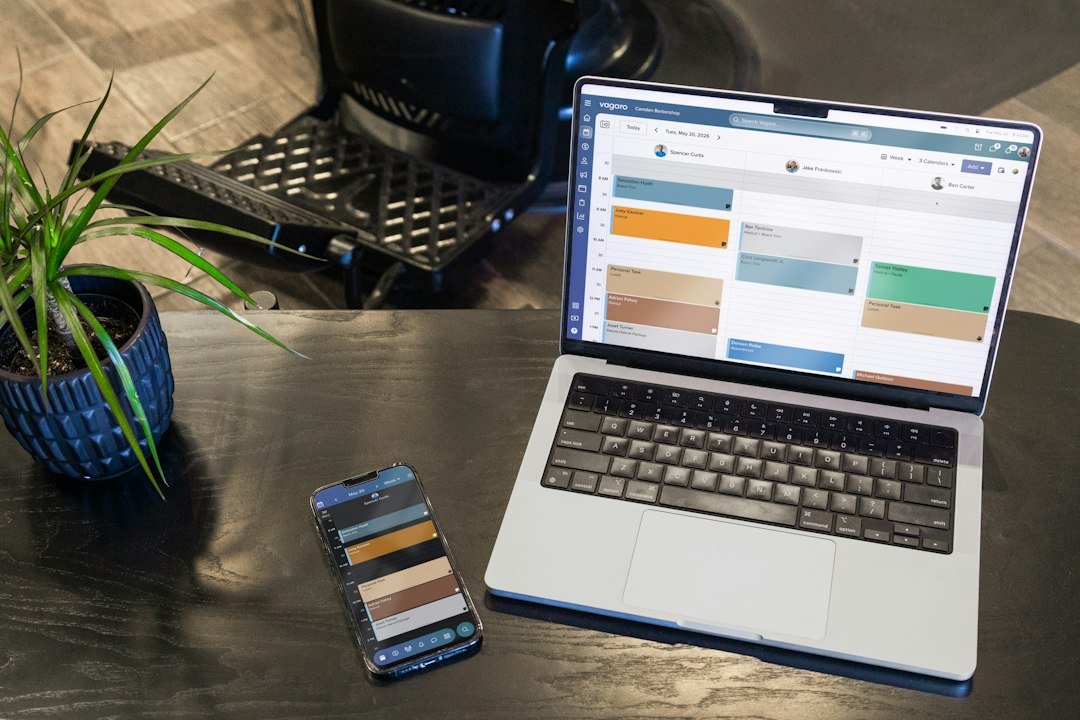
You can set up a simple free CRM in about a week if you give it a small slot each day. As a guide, plan about 30 to 60 minutes a day, which is our assumption and not a measured figure.
- Day 1-2: Pick.Use the six questions above. Do not compare more than three options.
- Day 3: Import your leads.Pull them from your phone, WhatsApp and sheet into one list. Delete the dead ones.
- Day 4: Set stages.Keep it to four or five, such as new, talking, quote sent, won and lost.
- Day 5: Add follow-up reminders.Every lead gets a next step and a date.
- Day 6-7: Use it daily.Log every new enquiry the same day.
A useful follow-up routine is a short, polite nudge. One wording that has worked in our own outreach is: “I wrote to you last week about a CRM collaboration, and I am following up in case it got buried.” It is short, it does not pressure anyone, and it is easy to send from a reminder.
In our own work, CodeTron connects directly with Gmail and tracks everything from Super 7 AI, and it can also be connected with a CRM. Whichever tool you pick, a clear routine matters more than the software.
Common mistakes with a free CRM
The biggest mistake is choosing by feature list and then never logging a lead. A simple tool you open every day beats a powerful one you forget.
- Expecting results from day one.Owners often think tools and automation will start bringing leads and rankings from the first day, but it takes time. For RahbarCRM, the first visible results took 2 to 3 months, and for Fynsis Softlabs it took 3 to 5 months.
- Expecting a CRM to create leads.A CRM stores leads; it does not bring them in. Being found on Google and in AI chatbots comes first, which is why CodeTron sets up SEO first for clients. To see how the pieces fit, read our guides to AI marketing automation for small businesses in India and AI marketing tools for small businesses in India.
- Importing everything.Bring in only the leads you would still call.
- Skipping the export check.If you cannot take your data with you, you are locked in.
Each one is just a habit you can change this week. A good rhythm is to pick one fixed time each week, such as Monday morning, to clear overdue follow-ups and tidy the list. A small, regular check keeps the CRM useful and stops it turning into another forgotten notebook.
When to get help: do it yourself, a freelancer or an agency
Do it yourself if you have few leads and a few free evenings; get help when setup, hosting or follow-up routines take time you would rather spend selling.
A freelancer can be a sensible choice for a one-off task such as installing and hosting an open source CRM. CodeTron hires freelancers for some of its own work too. An agency makes more sense when you need several skills at once, such as SEO, content and outreach, and want one team to coordinate them. We cover that choice in our article on agency vs freelancer in India.
This guide is general advice, not a sales pitch for a CRM service. With over 10 years in development and marketing, what we can offer is an honest view of how the pieces fit together. If you want help setting up SEO and a simple lead routine, you are welcome to talk to CodeTron, with no pressure.
FAQ: free CRM India
These are the questions owners ask most often when they look for a free CRM to start with.
Is there a truly free CRM for small business in India?
Yes, in a limited sense. Several vendors offer free plans, and open source options exist. But limits, setup time or hosting costs apply, so check each vendor’s page before you decide.
Is open source CRM safe for a small business?
It depends on how it is hosted, updated and backed up. Whoever hosts it is responsible for those things. Any security claims on a vendor’s site, including RahbarCRM’s, are the vendor’s own claims, so ask for details before you rely on them.
Can a CRM work with WhatsApp?
Many can, but often through the official WhatsApp Business API via a provider, which may cost extra. Check the vendor page. For RahbarCRM, WhatsApp integration is listed on its site as a paid service.
Do I need a CRM or is a sheet enough?
A sheet is enough at the start. Move to a CRM when follow-ups begin to slip, when leads are spread across chats or when more than one person replies to customers.
What does RahbarCRM cost?
Its site lists the Community Edition, which is self-hosted, at zero per month. Setup and services are custom priced, so ask for a quote. We do not state any other price.
Which free CRM should I choose first?
Start with the six-question checklist. If you have few leads, a sheet is a fine first step. If you can get technical help, RahbarCRM is one low-cost open source option to look at, with the disclosure that CodeTron built its website and marketing.